Speech-to-text for iPhone and Mac.
Turn speech into clean, formatted text in messages, email, notes, documents, and the apps you already use.
Use Dictate as a voice keyboard on iPhone and a fast dictation tool on Mac. One account keeps your Pro access, history, and settings together.
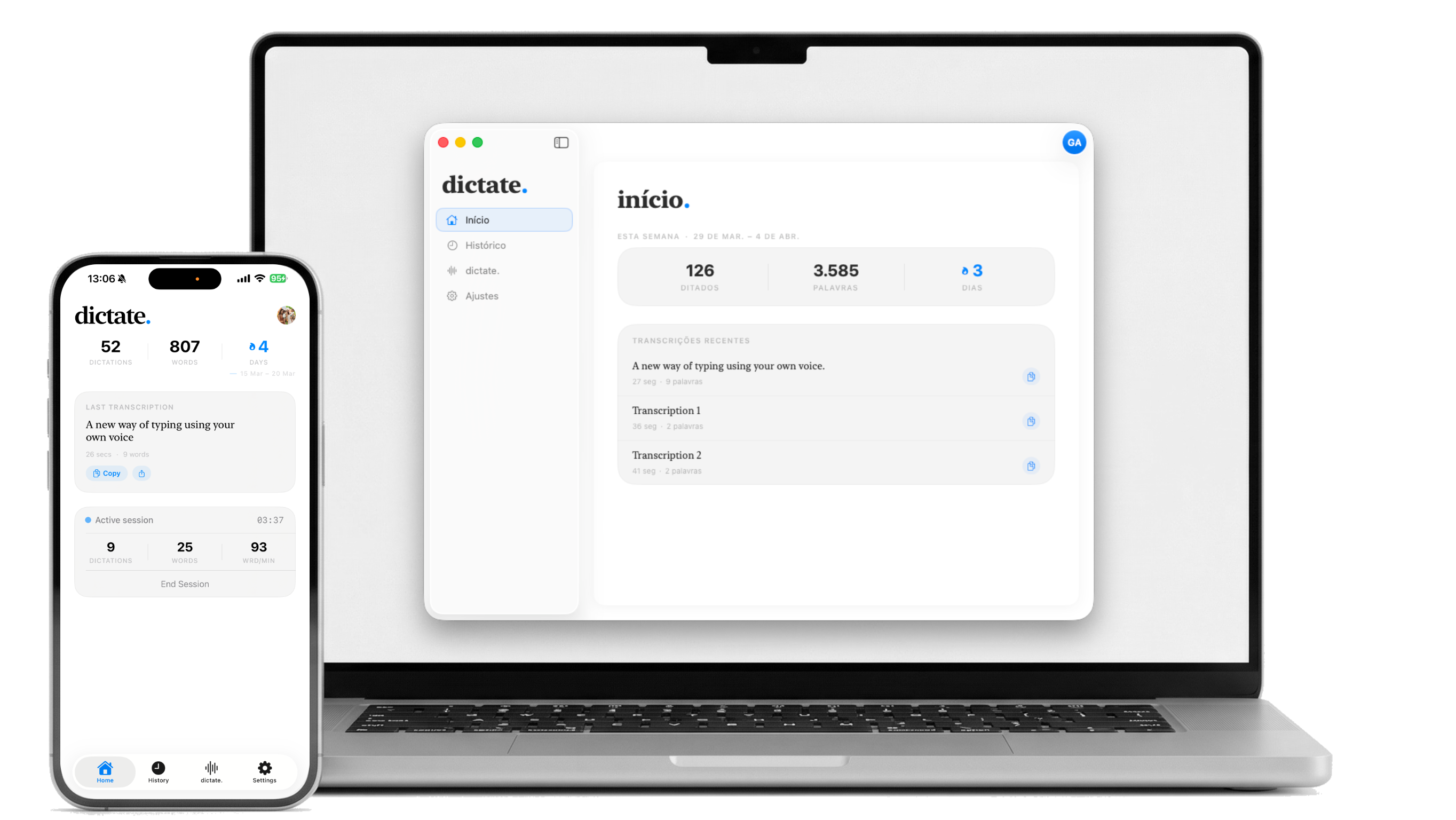
A faster way to write on iPhone and Mac.
Dictate where you already write
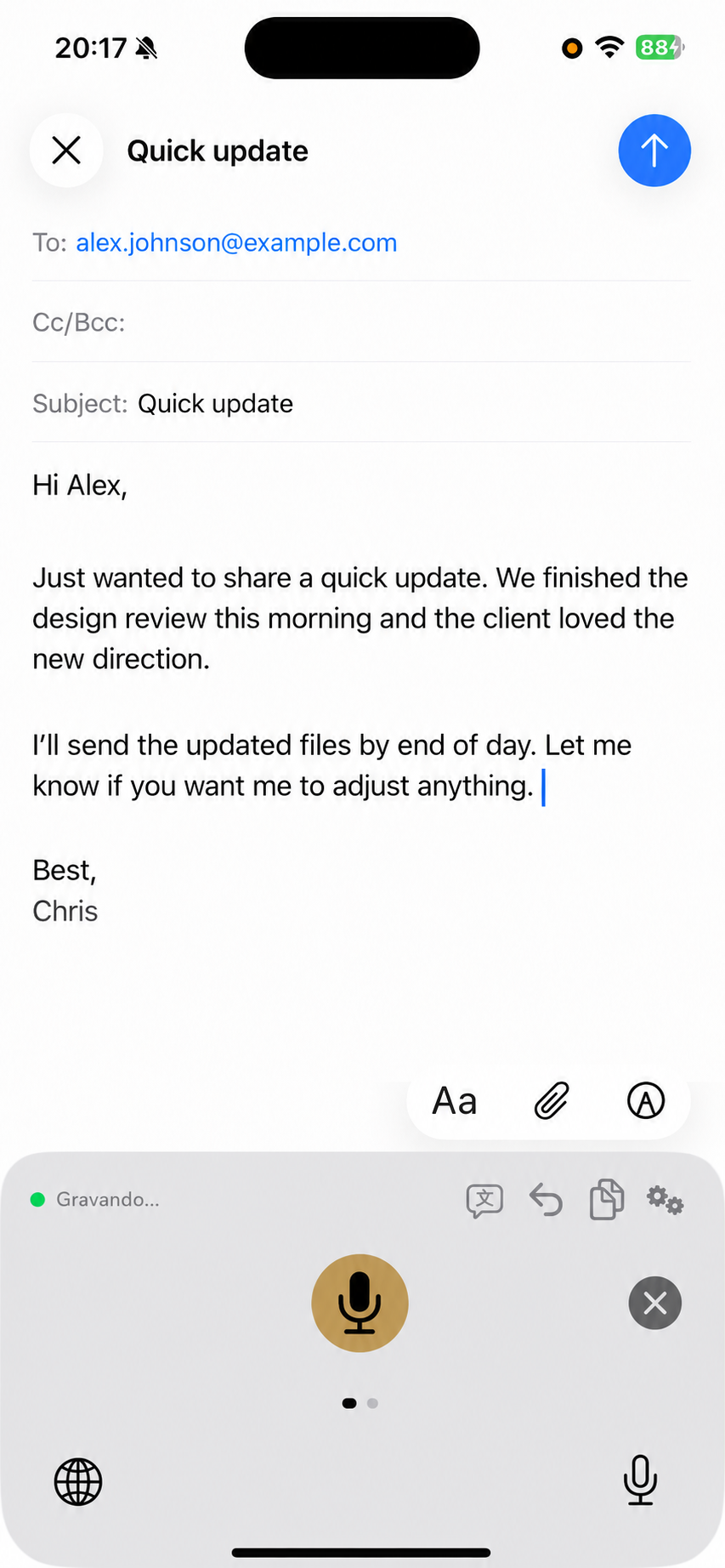
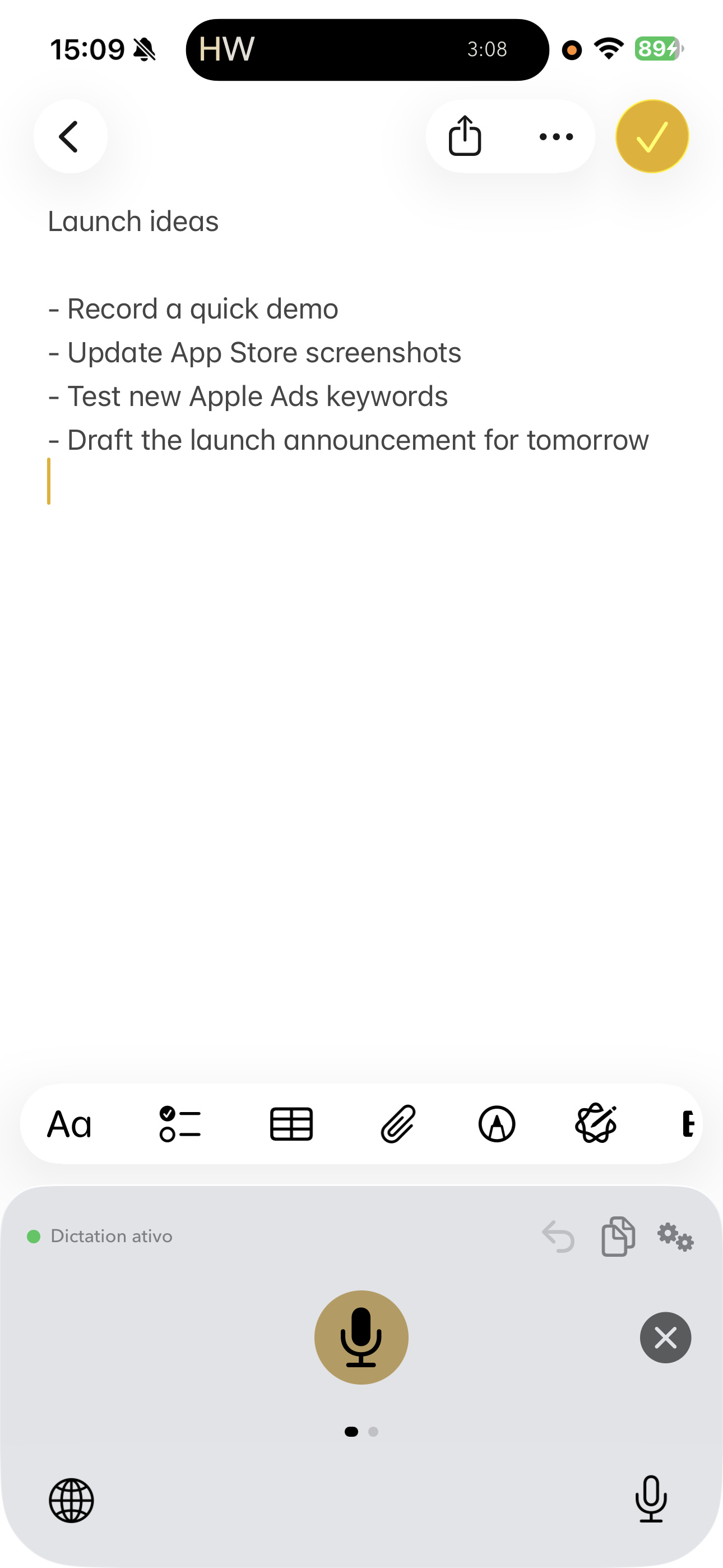
Use your voice in messages, email, notes, documents, and everyday apps. On iPhone it works as a keyboard. On Mac it works as a dictation tool.
Speak naturally. Get usable text
Dictate the way you talk. Dictate cleans up punctuation, formatting, and structure so the result is ready to send, paste, or edit.
Fast speech-to-text without cleanup hell
Get accurate transcription and cleaner final text without babysitting every comma.
Dictate in multiple languages
Speak in Portuguese, English, Spanish, French, and more. Switch languages when your day does.
Speak in one language. Write in another
Translate the final text as you dictate, on iPhone or Mac.
Find what you dictated later
Addresses, ideas, drafts, snippets, and half-formed thoughts stay searchable when you need them again.
Start talking where you already type.
Install it where you write
Add the iPhone keyboard from the App Store or install the Mac app from our site.
Use the same account
Your Pro access, history, and settings stay connected across iPhone and Mac.
Start talking
On iPhone, tap the keyboard mic. On Mac, press your shortcut and dictate into the active app.
Designed for simplicity.
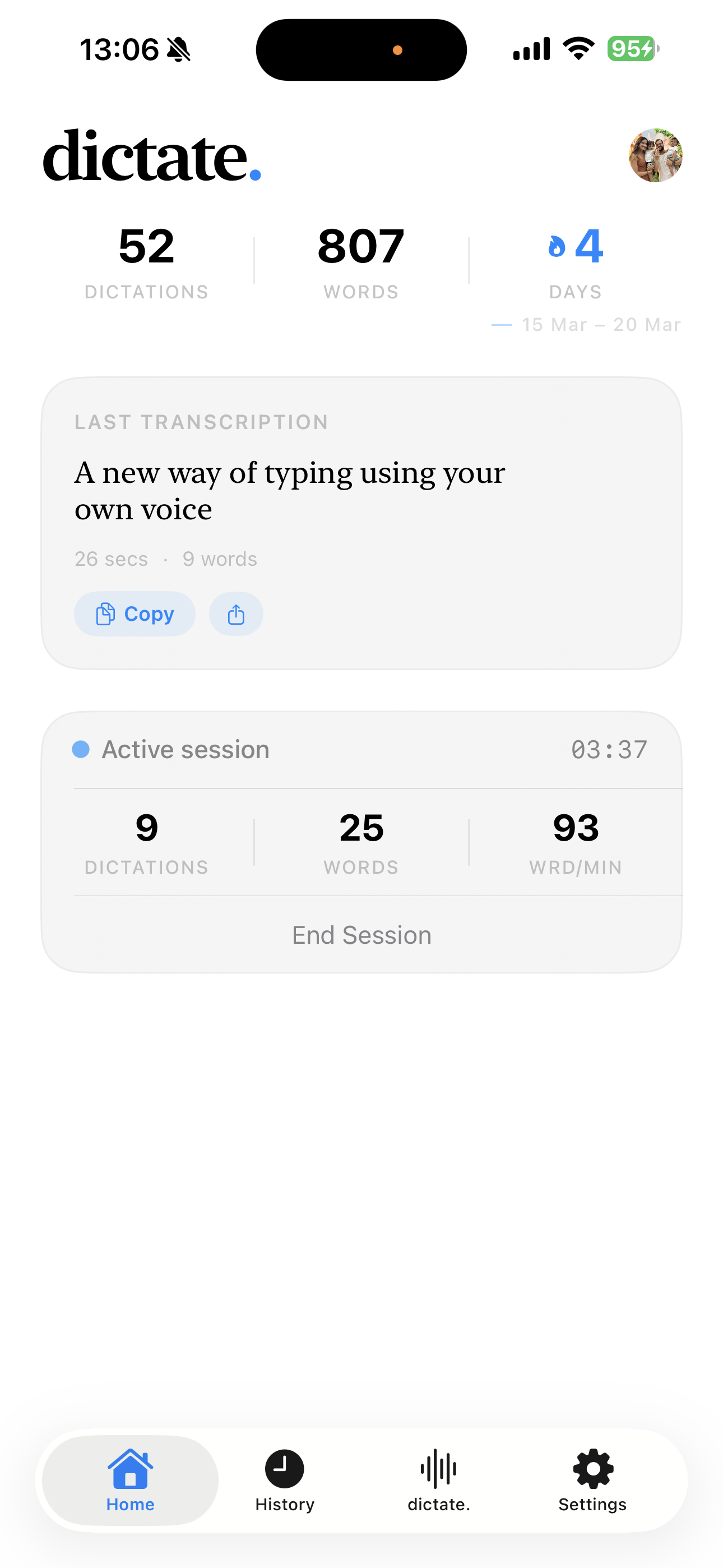
Home
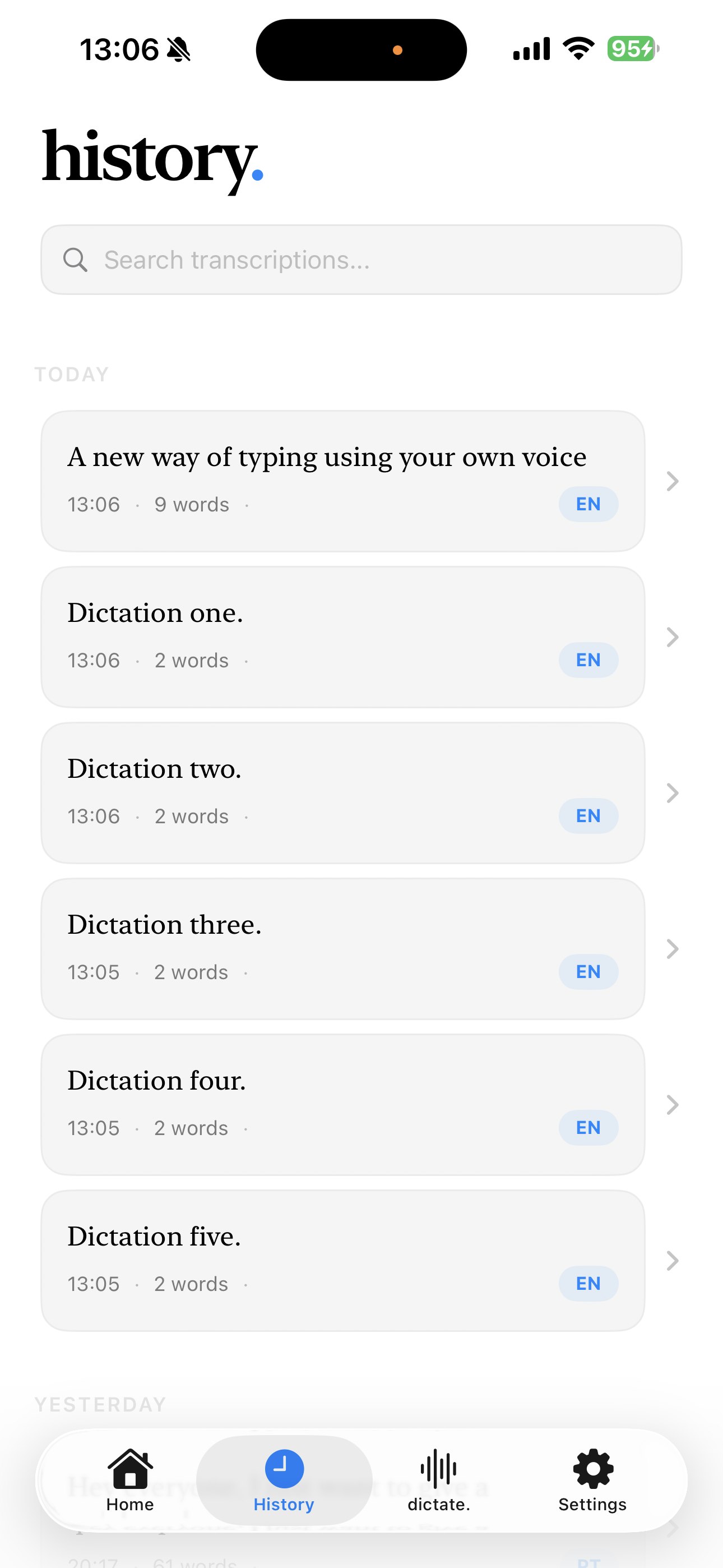
History
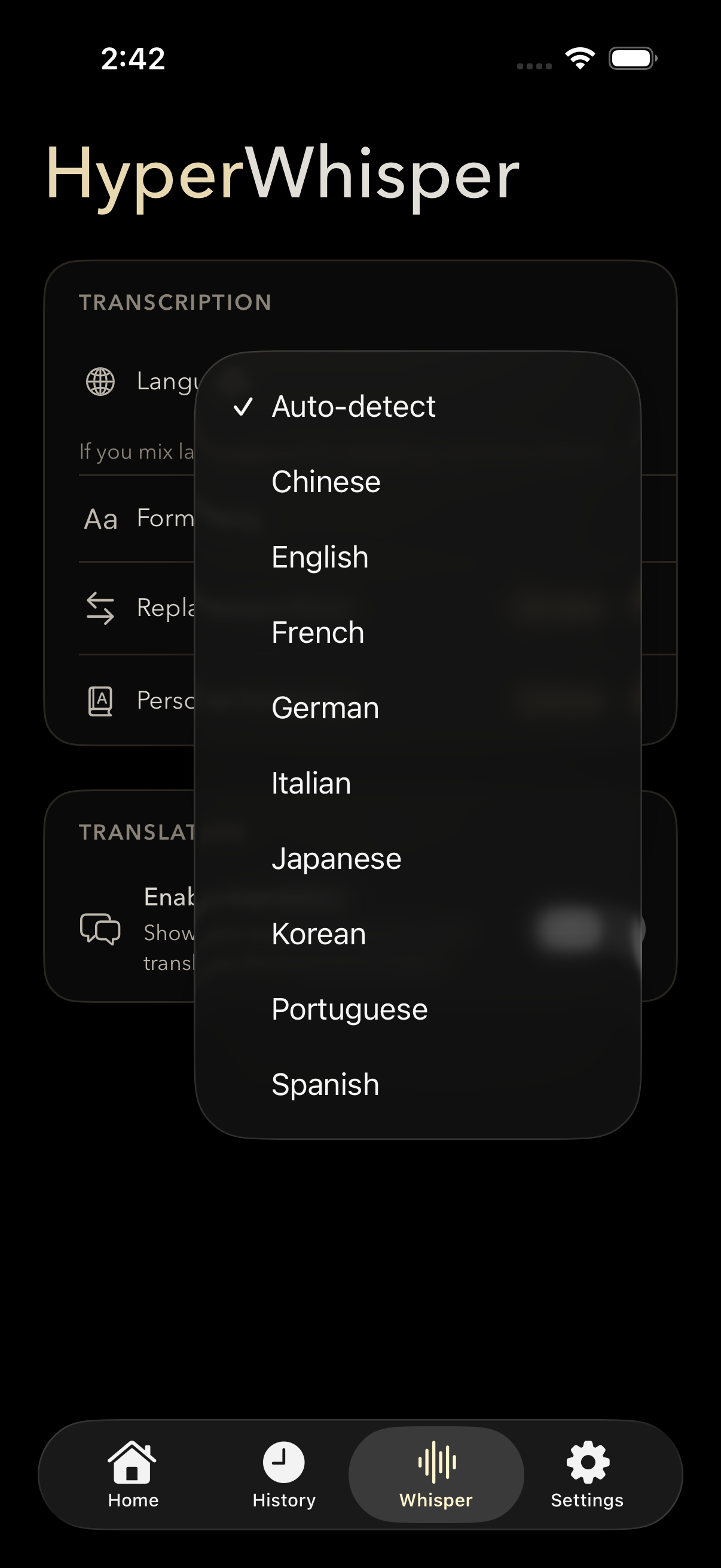
Languages
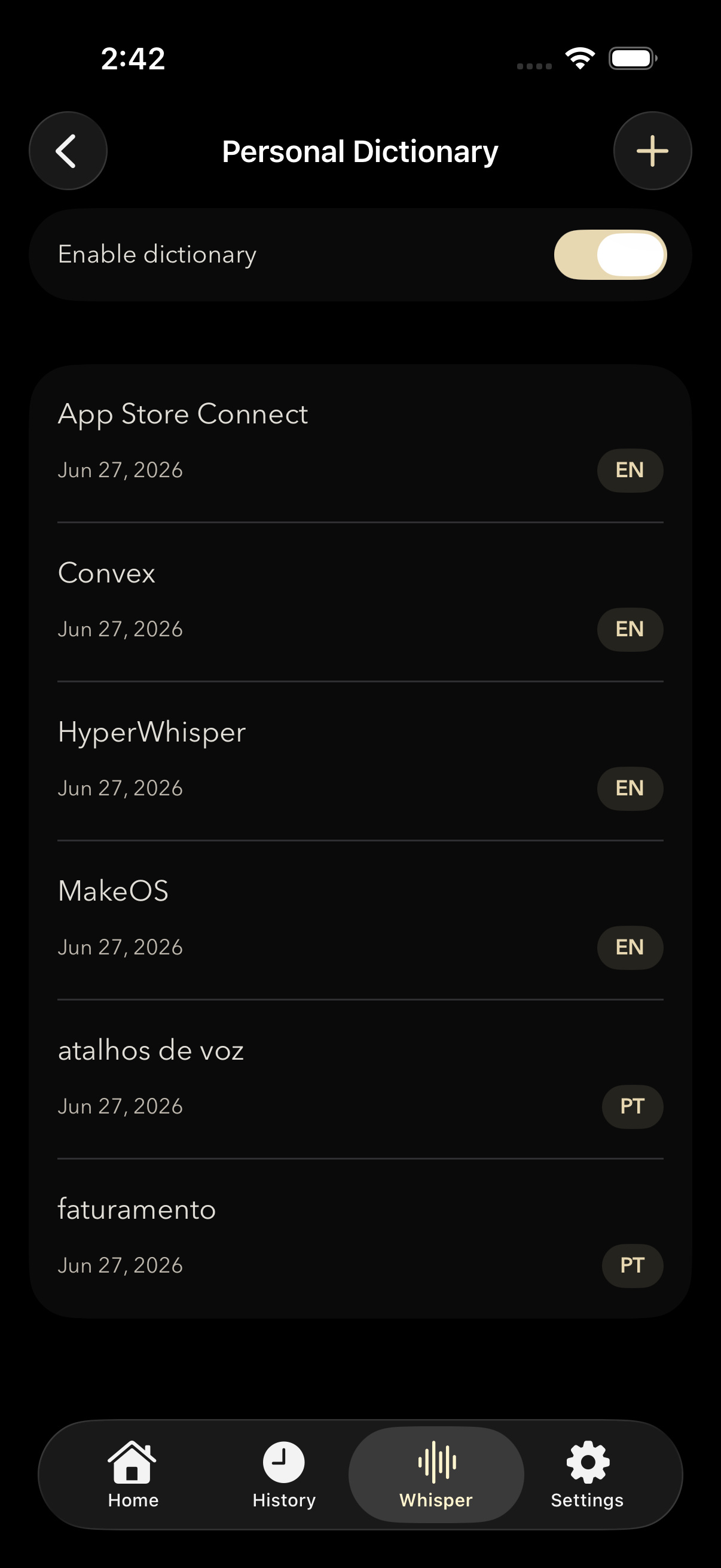
Dictionary
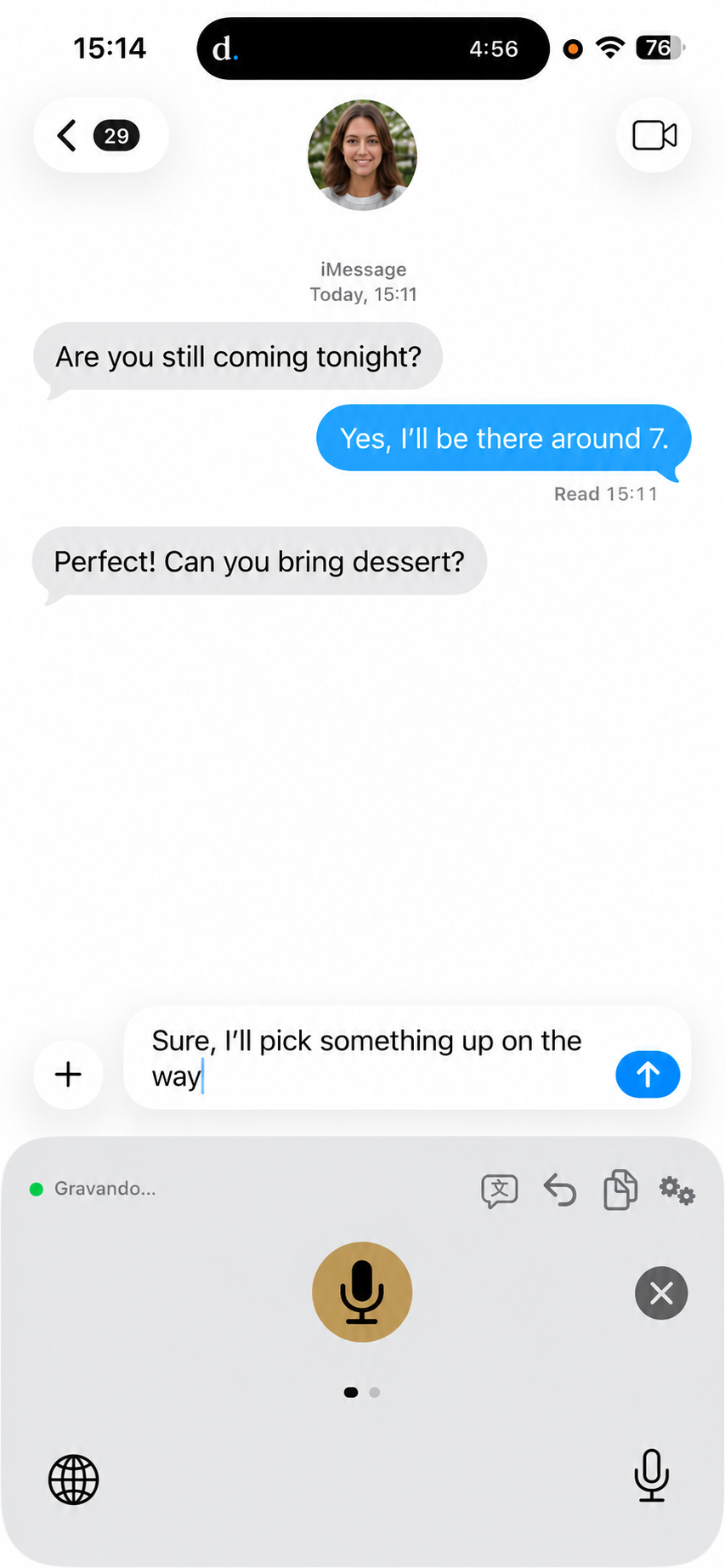
Dictation
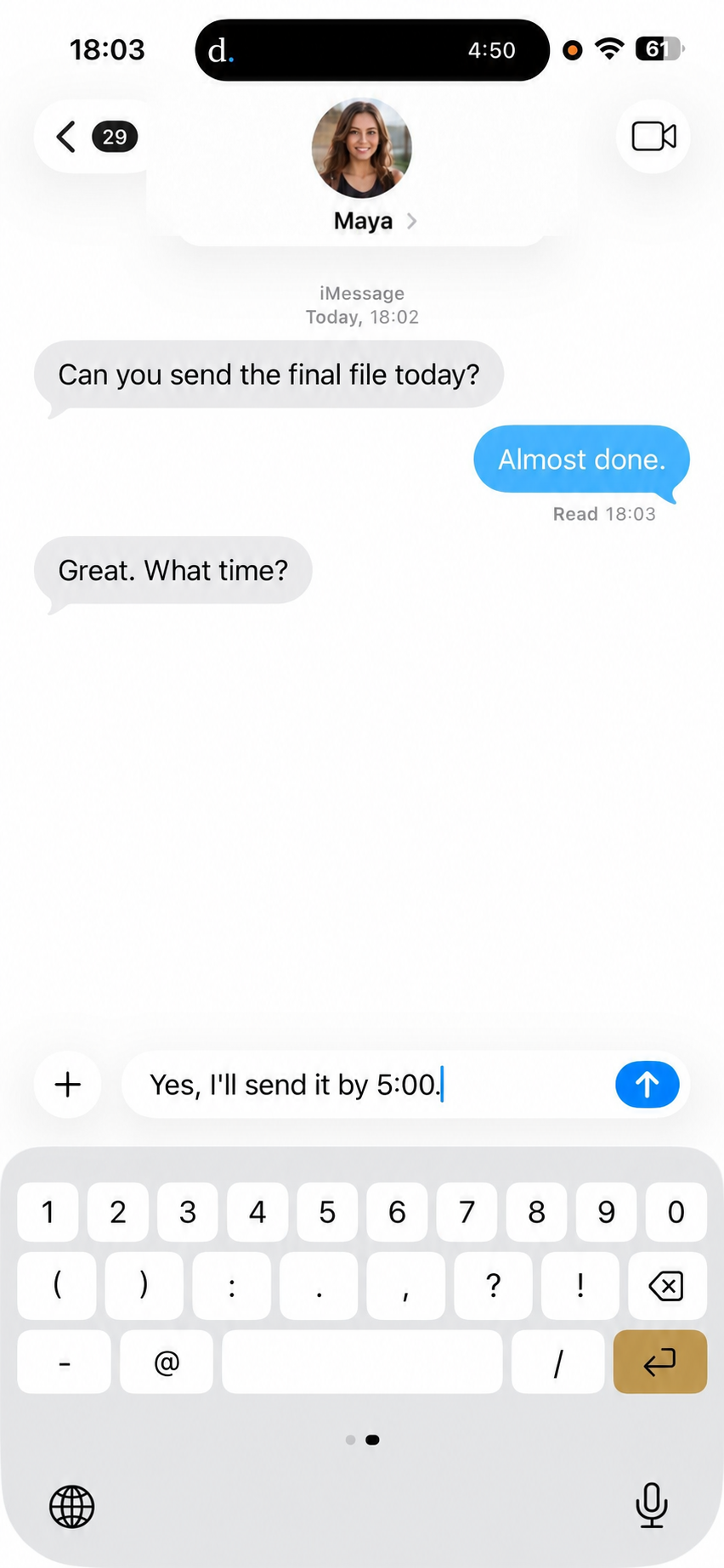
Keys
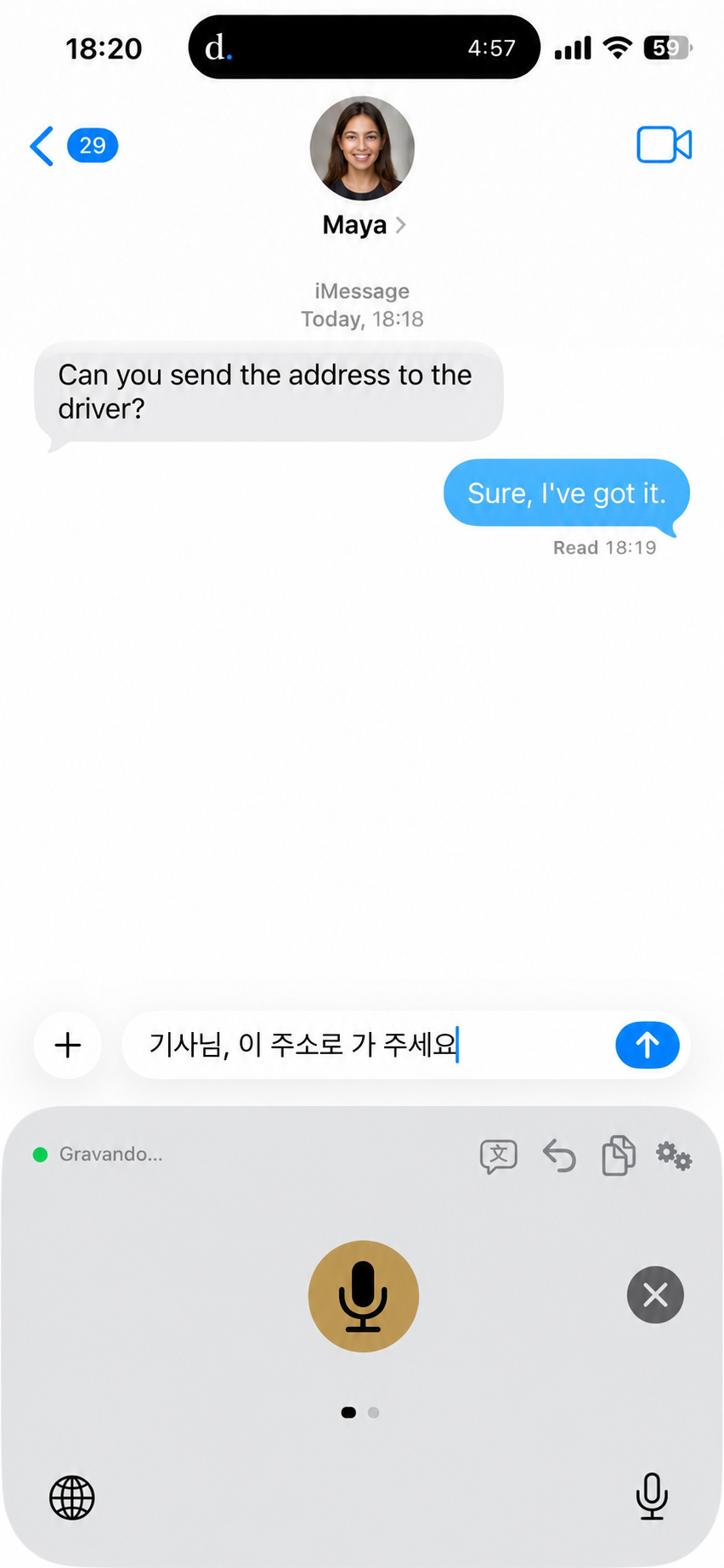
Translate
Notes
One subscription for iPhone and Mac.
Start free. Upgrade once. Use Pro on both Apple devices.
Free
Try Dictate in your daily writing.
- 70 transcriptions per week
- Fast, accurate transcription
- Multi-language support
- Transcription history
- Saved history and fast transcription
Pro
Best ValueFor people who would rather speak than type.
- Unlimited transcriptions on iPhone and Mac
- One account, both devices
- Subscribe with the App Store on iPhone or Stripe on Mac
- AI-powered formatting
- Real-time translation
- Tone & style adjustment
- Priority support
7-day free trial on Mac. Your Pro access syncs to iPhone too.
Frequently asked questions.
Stop typing. Start speaking.
Download free on iPhone and Mac. One Pro account unlocks both.